
License & Renewal
Your Managed Cloud deployment is active for the duration of your subscription. The Voquill team handles all server maintenance and updates during this period.
Checking Your Subscription
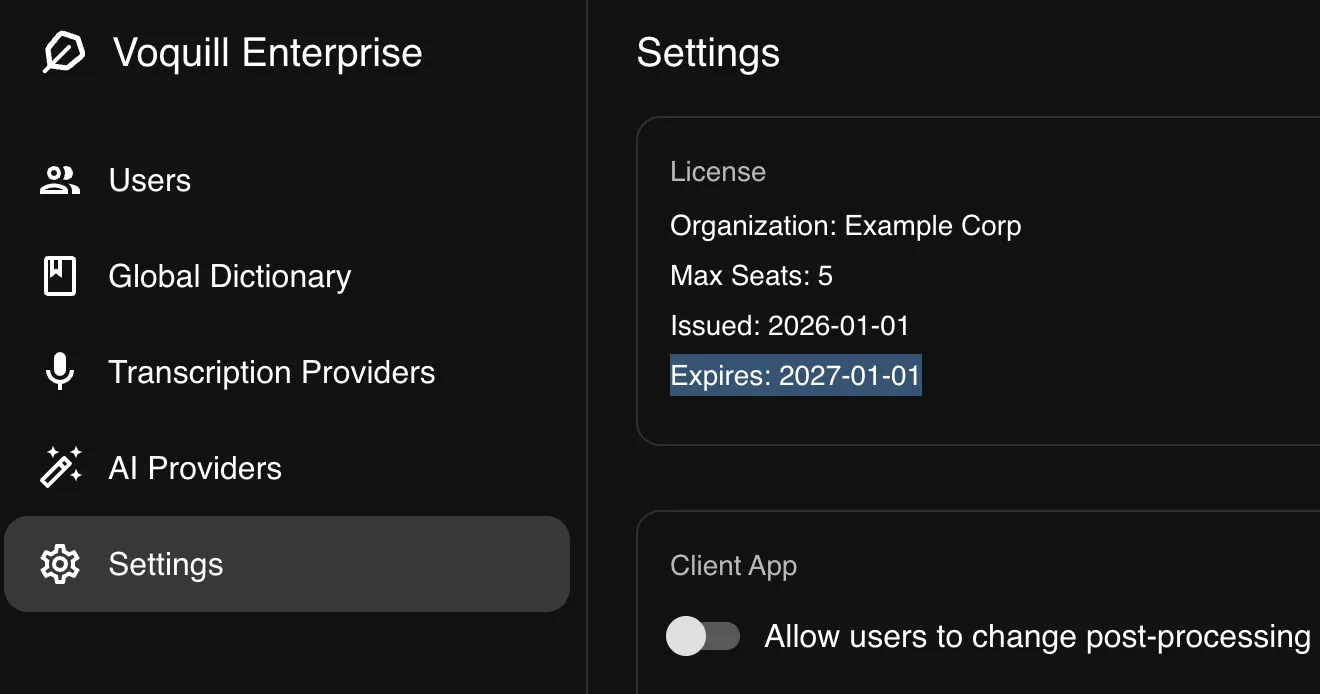
Section titled “Checking Your Subscription”You can visit the settings page on the admin portal to see when your subscription expires.
Renewal
Section titled “Renewal”To renew, contact enterprise@voquill.com. Once renewed, your deployment continues without interruption — no action is needed on your end.
Desktop Updates
Section titled “Desktop Updates”The desktop app is updated automatically as part of the open-source Voquill client. Updates will be available upon release and can be managed within the app.