
Updates & Renewal
For as long as your license is valid, you can use and update Voquill to the latest version. Once your license expires, services will degrade until a new license is applied.
Server Updates
Section titled “Server Updates”To update the gateway and admin portal, redeploy your services with the latest container images. The specific steps depend on your cloud provider — see the updating section in the AWS, GCP, or Azure guide for details. Your database is not affected by service redeployments.
Desktop Updates
Section titled “Desktop Updates”The desktop app is updated automatically as part of the open-source Voquill client. Updates will be available upon release and can be managed within the app.
License Renewal
Section titled “License Renewal”You can visit the settings page on the admin portal to see when your license expires.
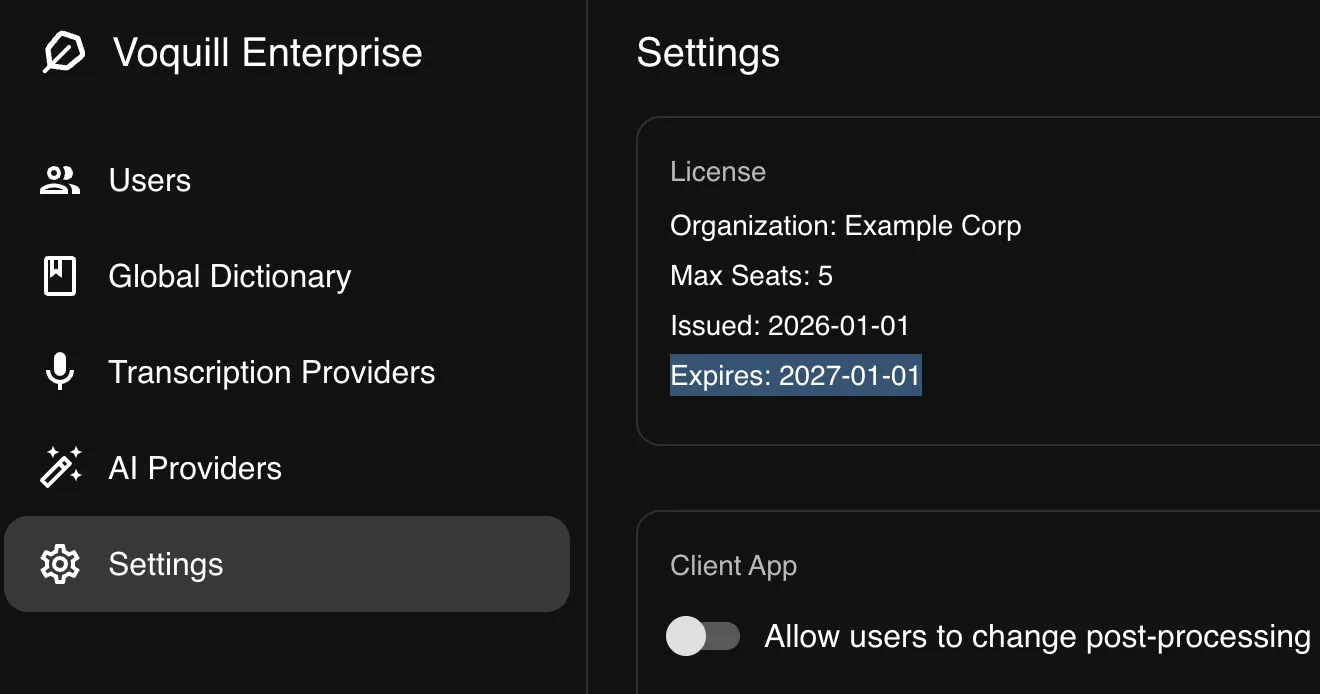
To renew, contact enterprise@voquill.com for a new license key. Once you have it, update the LICENSE_KEY environment variable in your deployment and redeploy the gateway service. No other changes are needed — your data, users, and configuration are all preserved.